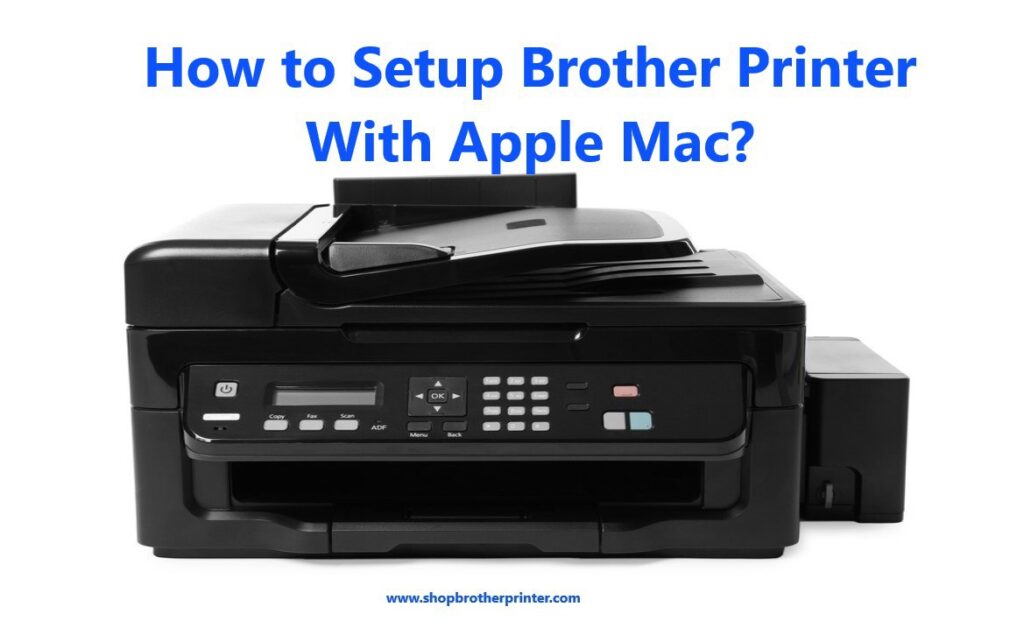
Brother is a well-known company which is known for the classifications and uniqueness of their product design or how strong their products are in real time use, these are the things which makes brother to win awards many times, they also provide support to their customer by their Brother customer support if you are facing any issue while doing setup of your brother printer with your mac computer so, here are some steps which helps you in setup:
1.First you have to check that your brother printer or mac has to be connected with the same wireless or wired network if it is not made first or you can connect each other through the USB cable.
2. Then you need to download the brother printer’s full driver software package.
3. And open that downloaded DMG file from the downloaded section of your mac if you can’t find file then click on finder and go in the menu bar search for downloads then click on DMG file and an icon shows ‘start here mac’ or ‘start here OSX’ you have to choose the first one from that.
If you can’t find the mac option, then you need to click on the finder in dock and choose application utility and there go for disk utility and click on the file that is named as DMG.
4. After that usage information opens and you need to allow them by clicking on I accept all the license agreement and after that connection window appears and ask you to choose the connection path like wireless network connection, wired network connection or local connection (USB) you have to choose one of them that you want.
5. When you are done with the connection part, choose your brother machine that you want to set up (If your machine is not there, then wireless device setup wizard dialogue box will appear by its own and then you need to follow instructions to set your connection again and If the wireless device setup Wizard dialogue box does not appear then you have to open it from the gear pop-up menu). and click on next.
6. Then you see the brother driver installer there. You have to continue with that and agree to all their terms. After that you need to enter administrator details of your mac like username or password to install new software in it.
7.Once driver installation is done then you have to add your printer by entering your brother printer model name and if your printer is not listed there then we suggest you to select CUPS driver which is usually listed there as the model name.
8. When you are done with your printer set up click on close to finish the setup process.
Here we are done with the setup process of the brother printer with a mac computer but still you are not able to do setup after performing these steps then you have to reach out to the Brother customer care.